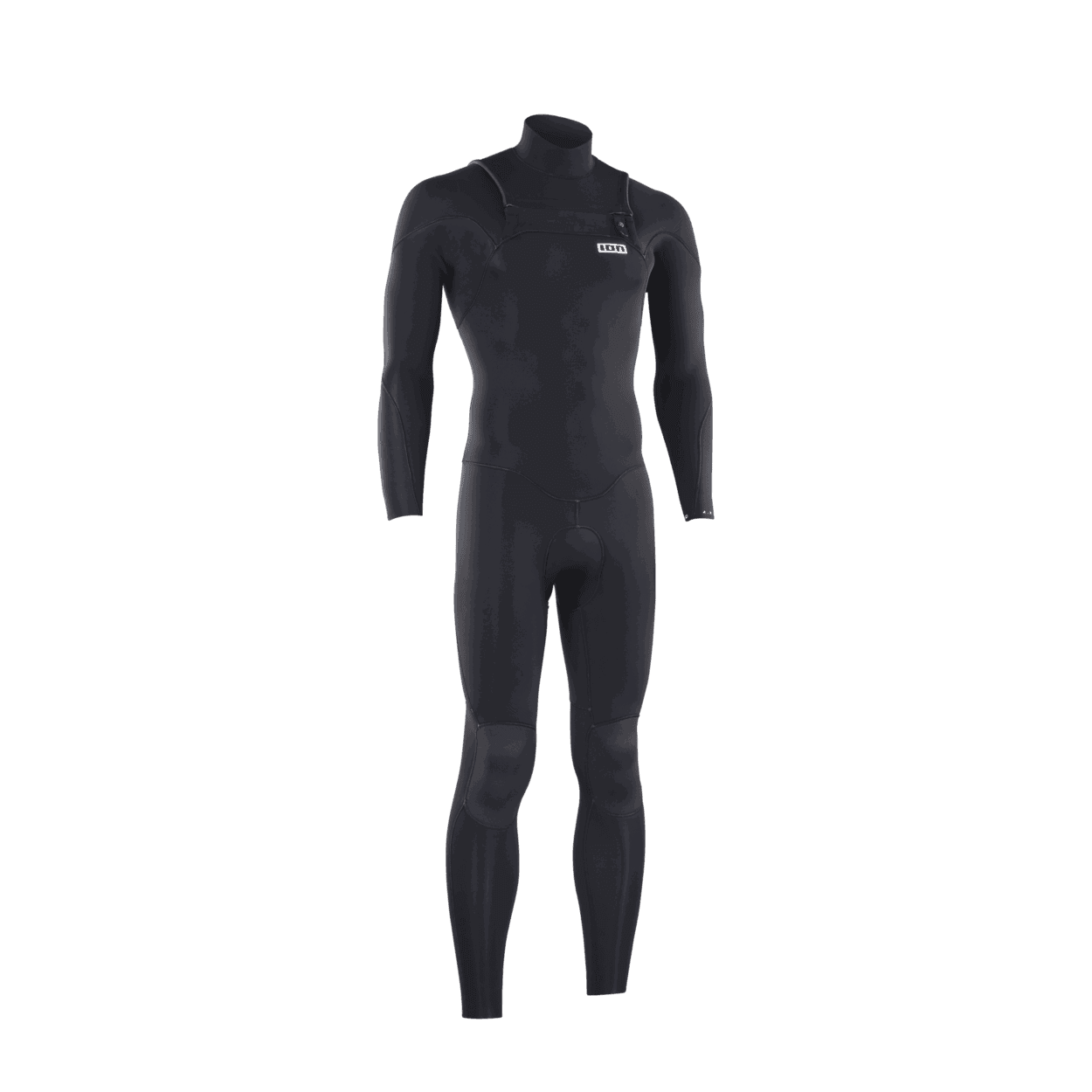
Flexible entry with a close, low-flush seal.
$289.99Agentic Components are Eve Studio skills rendered inside your storefront. Call them with the Execute API and show the answer in your own design, right where the customer is deciding.
Build a wetsuit finder that uses today’s water temperature.
EveSteamers, springsuits and everything in between.
Flexible entry with a close, low-flush seal.
$289.99The same warmth with a simpler back entry.
$249.99The question a customer has on a product page is usually about that product. Agentic Components use the same reusable Eve Studio skills, but answer where the decision is happening.
Product, variant, collection, cart contents and the visitor's interests are in scope without anyone typing them.
Live water temperature, stock at the nearest warehouse, your sizing service, not a paraphrase of the description.
The response renders in the page, in your design, with the actions attached. No modal and no forced chat flow.
Add to cart, swap a variant or apply a promotion, guardrailed and only where you allow it.
If there is nothing useful to say for this product or visitor, it renders nothing rather than filling space.
Revenue and profit attribution per component show which experiences earn their place.
Build the skill in Eve Studio, then call it from any frontend: a Shopify theme, Hydrogen, a custom React storefront or a native app. Pass the page context in, get a structured answer back, and render it with your own components.
Full request and response schema, streaming and error handling are in the Execute API docs
The machinery is the same everywhere: an Eve Studio skill, the tools it is allowed to call and a slot in the page. What changes is the decision it helps the customer make.
A size and fit finder on the product page compares the customer's usual size in brands they know with this garment's measurements, then recommends a size that's in stock.
A shade and routine matcher on the product page asks two questions, checks ingredients against what the customer avoids and builds the routine around this product.
A fitment check under the add-to-cart button confirms the part fits the customer's vehicle, or suggests the variant that does before they order the wrong one.
A will-it-fit component takes room dimensions and delivery postcode, then answers with size, lead time and the matching pieces that complete the space.
A wetsuit finder on the collection page reads today's water temperature for the customer's beach and recommends the right thickness, in stock in their size.
Create the skill once, then use it as a component in the page or as the same capability in another channel.
Call the skill from React, Vue, Hydrogen or a native app and render the result in your own components.
You own the markup, so components look and behave like the rest of your storefront.
On Shopify themes, add a ready-made component in the theme customiser with no theme fork.
The skill behind a component also powers chat, SMS, email and the shopping agent.
Actions are explicit, permissioned and bounded by the skill's guardrails in Eve Studio.
Use any component as a test variant and measure whether the guidance changed the outcome.
Experience Vaults let your components use outside services, like your social feeds, reviews or loyalty program. Connect a service once in Parallel and every component can use it, with your keys kept safely out of the AI chat.
Instagram API
Show your latest posts as a shoppable gallery on product and collection pages.
TikTok API
Bring your TikTok videos onto the products they feature, so shoppers can buy what they just watched.
The same skill can power both. A component answers a question the page already implies, while chat waits for the customer to begin a separate conversation.
For the Execute API, yes: a developer calls the skill and renders the response. On Shopify themes, ready-made components can also be added through app blocks without code.
Calls are asynchronous, so the page never waits on them. If a skill has nothing useful to say, you simply render nothing.
Yes. The Execute API is platform-agnostic, so any frontend that can make an HTTP request can render a component.